As Schools Favor iPads Over Textbooks, Educators Adapt
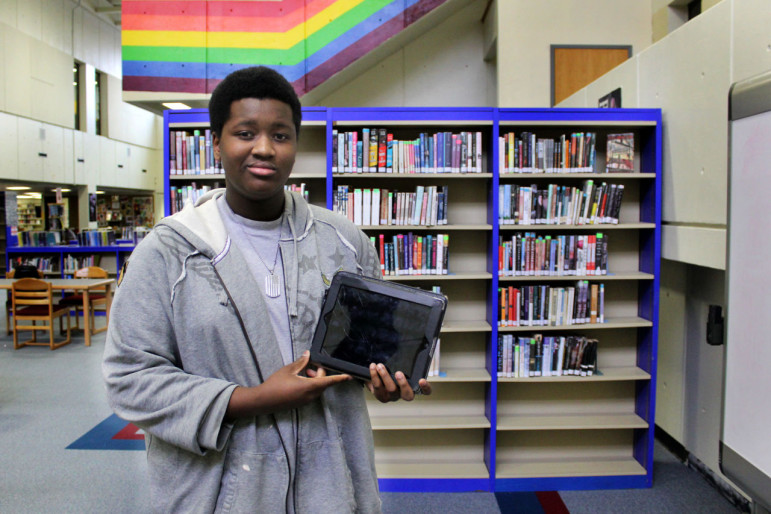
BURLINGTON, Mass. -- There is no denying that iPads are a dynamic tool for education. In fact, they may be changing how classrooms work.
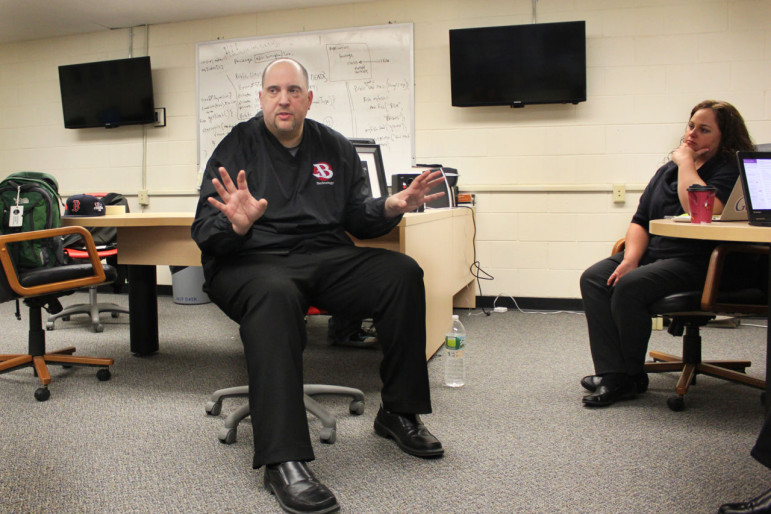
Dennis Villano knows this from multiple perspectives: he was a middle school history teacher and now is the head of technology integration for Burlington Public Schools. Burlington is a 1:1 district, meaning every student is given an iPad so they may access the Internet, digital coursework or digital textbooks at school. It is a model that schools across the state are moving towards.
"By going to a digital resource, it provides a much more interactive way to learn," Villano said on a recent Thursday at Burlington High School. "Too many schools are still stuck in the classroom that looked the way their great-grandparents' looked. We can’t have that anymore."
However, as schools phase out paper textbooks in favor of digital tools, teachers face a unique challenge: how do they develop, organize and distribute a digital course for the classroom?
Out With The Binding, In With The Apps
In 2011, when Burlington schools introduced the 1:1 model in the high school at a cost of $500,000, school officials also made the decision to no longer purchase traditional textbooks. Instead, they asked teachers in this district of about 3,500 students to use the new technology to structure their classes.
"The teachers already know how to build the class content. They just need help with the technology side of it," said Villano. "We were seeking a tool to put it all in one organized place."
In order to find that place, Villano and Burlington educators turned toward a handful of classroom apps including Net Texts, a software system that allows teachers to create and organize multimedia courses.
With Net Texts, teachers may upload their own material to the system, plus it contains an almost 130,000 item library of open education resources (OERs). OERs are free online educational material in the form of class assignments, videos, PowerPoint presentations, lesson plans and more.
Teachers that use Net Texts can use any of the resources in the system to structure their course, including most materials that other teachers upload.
"We created a system that permitted teachers to take that material and mix-and-match it with their own material, then be able to publish it for their students," said Michael Messner, co-founder of Net Texts. "When the iPad came out, with the long battery life, we said, 'This looks like it could really replace all these textbooks.' "
What made Net Texts really appeal to Villano and other Burlington educators, is that it provides a single, central place where students can get class content, work on it and send it it back to their teacher.
Burlington school officials recommend a handful of apps -- including Net Texts, Google Apps for Education, Notability, Book Creator, and Explain Everything -- but teachers ultimately have the final say in what they bring into class and to what degree.
"What I like is that if I have a student who's going to four different teachers, they might get exposed to Net Texts in one course, Google classroom here, a blog there," said Villano. "They’re very prepared for all of these different environments."
Digital Tools Lead To New Kinds Of Learning
At the same time that teachers have moved to adopt digital resources into traditional classrooms, new kinds of classes have emerged that specifically revolve around digital technology in the building.
Tucked into a corner classroom in Burlington High School's library is the school's Help Desk, a student-run technology center modeled after Apple's Genius Bar. The Help Desk is open six periods a day to troubleshoot technology issues for peers, teachers, staff and parents.
"I'm here to help people. I help everyone," said Jhymon Moodie, an eleventh grade Burlington High School student. "Anyone who needs my help for anything, anything whatsoever regarding technology."
The Help Desk, the school's own in-house support system for technology, is staffed by 15-20 students each semester. Students, like Moodie, who staff the Help Desk, apply to the Help Desk as an elective class and get school credit for participating.
Jennifer Scheffer, instructional technology specialist and Help Desk teacher, says sometimes her students can reach other students in innovative ways that adults do not.
"They speak the same language. There's something to be said for when a student explains something, it just clicks oftentimes versus the teacher sharing their traditional method," said Scheffer. "I think kids get inspired from one another."
Coupled with supplying technology support to the school community, each semester students are required to embark on what Scheffer terms an "individual learning endeavor."
"Students work on a project that is technically unrelated to the daily tasks of a Help Desk students," said Scheffer. The projects have included students that create apps that are then available for public use, write blogs, form anti-bullying clubs, and teach photography.
Moodie, who is producing music for his project, sees a palpable connection between his two main interests: music and technology. When not helping members of the school community with technical assistance, Moodie turns toward the GarageBand app on his iPad to work on music.
"I do see an art to technology and I do see an art to music, obviously," Moodie said. "You want to make yourself an app? You want to make yourself a famous blog? You want to do anything you want? You can just go on technology and do it."
Keeping Up With Tech
Although Moodie is thrilled about the opportunities the school's technology brings, he shares concerns about the devices themselves. As part of the district budget, Burlington students get new devices in first, third, sixth and ninth grades. The old devices are recycled.
For Moodie, a junior, his device feels outdated compared to the models of younger peers.
"We have iPad twos and the freshmen have iPad fours," he said. "I don't think the capabilities that you have are enough."
Villano, the technology integration director, says sustainability is the most important challenge for the district.
"It's the type of thing that keeps us up at night and drives us a little crazy," he said with a laugh.
However, Villano has faith in the sustainability model currently built into the district's budget and says planning ahead is key: in addition to giving students new devices in the designated grades, the school refreshes its wi-fi infrastructure every 5 years.
"I've seen a lot of schools go out and spend millions of dollars on technology with no plan for three years later," Villano said. Villano treats the district's digital infrastructure -- wi-fi access, technology and support -- as any other utility.
"It's like heat, electricity, plumbing," he said. "You couldn't say to someone that you don't have bathrooms, just like you can't say you can't access the internet. It's just part of what they do."
The 'Digital Environment' And Its Challenges
While Burlington's model seems to have entered schools and classrooms successfully, this is not always the case.
A study of 1:1 programs in western Massachusetts found that even three years after implementation, students were not using technology any more than students in schools without a 1:1 program. In a similar iPad project in Los Angeles, it took students one week to hack through built-in security measures when devices were given to students in 2013.
Villano says that Burlington educators use a mobile management system to monitor and lock devices if students use devices to act inappropriately.
"You just have to have those things planned out," he said. "The internet is highly filtered obviously, but it's about making sure that you have a management system in place. Kids will try to get around, but you try to make sure you're ahead of that."
In Maine, five years after the entire state went to a 1:1 model, evaluations found that technology had little effect on student achievement, except for a small increase in scores for writing.
"They've been foisted on teachers because they are the latest technological advance so they must be good," Nancie Atwell, founder of the Maine-based Center for Teaching and Learning, recently told The Atlantic. "The problem with eBooks is that the kids remember much less than what they read on the screen compared to the book."
Villano, however, says that it is an educators duty to introduce students to technology at school for purposes within the classroom, but also for the world after school.
"It's their responsibility to prepare [students] for the environment they are going into, which is a digital environment," Villano said. "If we don't do that then we're failing part of what we're doing as educators."